
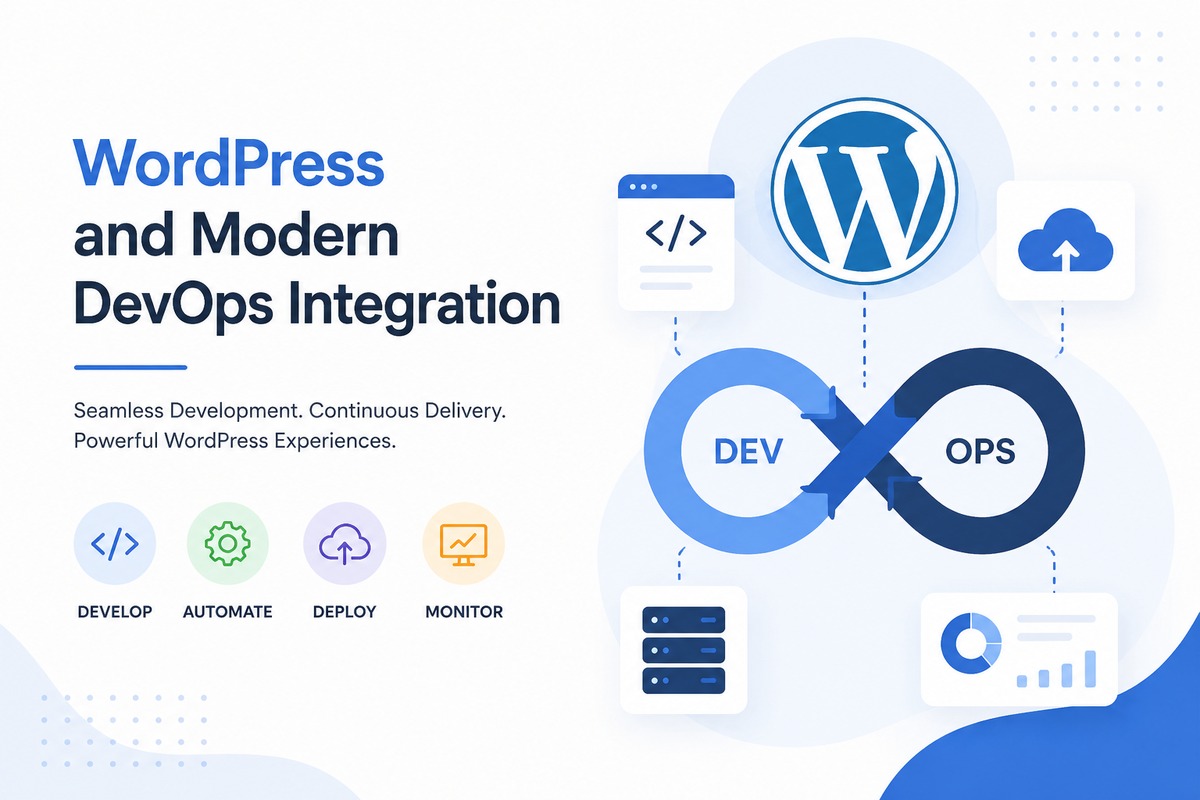
Introduction to WordPress and Modern DevOps Integration
Understanding WordPress and Modern Deployment Practices
WordPress is one of the most widely used content management systems (CMS) for building websites, blogs, online stores, and business platforms. It offers a simple interface, flexible customization options, and a large ecosystem of themes and plugins.
Built with PHP and powered by MySQL or MariaDB databases, WordPress allows users to manage website content without requiring advanced programming knowledge. From small personal blogs to enterprise websites, WordPress is used across many industries because of its reliability and ease of use.
Table of Contents
Why Many Developers Choose WordPress
WordPress continues to be a preferred platform for developers and businesses because it provides:
- Quick installation and setup
- Thousands of themes and plugins
- SEO-friendly architecture
- Strong community support
- Flexible customization options
- Easy content management
Plugins such as WooCommerce, Yoast SEO, and Elementor help extend functionality for e-commerce, search optimization, and page design.
Modern WordPress Infrastructure
Traditional WordPress hosting relied mainly on shared hosting environments. Today, many developers deploy WordPress using modern infrastructure tools to improve scalability, automation, and performance.
Common technologies used with WordPress include:
- Docker containers
- Kubernetes clusters
- Cloud hosting platforms
- CI/CD pipelines
- Monitoring and logging systems
Running WordPress with Docker
Docker allows developers to package WordPress and its dependencies into containers, making deployments more consistent across development and production environments.
A standard Docker setup for WordPress usually contains:
- WordPress container
- MySQL or MariaDB database
- Nginx or Apache web server
- Optional phpMyAdmin service
Containerized deployments simplify maintenance, portability, and scaling.
Deploying WordPress on Kubernetes
Kubernetes helps automate the deployment and management of containerized applications. Running WordPress on Kubernetes improves availability and simplifies scaling in production environments.
Typical Kubernetes resources for WordPress include:
- Deployments
- Services
- Persistent Volumes
- Ingress Controllers
- Secrets and ConfigMaps
This setup provides better reliability, rolling updates, and resource management for large-scale applications.
Monitoring and Performance Management
Monitoring tools play an important role in maintaining WordPress applications. Platforms such as Prometheus and Grafana are commonly used to monitor:
- CPU and memory usage
- Application uptime
- Container health
- Database performance
- HTTP traffic and requests
Alerting systems can also integrate with communication platforms like Discord or Slack for real-time notifications.
Security Best Practices
Securing a WordPress website is essential for protecting user data and maintaining uptime. Common security practices include:
- Using SSL certificates
- Keeping plugins and themes updated
- Configuring firewalls
- Regular backups
- Strong authentication policies
- Malware scanning and monitoring
Security plugins such as Wordfence are often used to strengthen website protection.
Career Opportunities
Combining WordPress skills with cloud and DevOps knowledge creates opportunities in several technical roles, including:
- WordPress Developer
- DevOps Engineer
- Cloud Engineer
- Site Reliability Engineer
- Freelance Web Developer
Many freelancers also provide services such as deployment automation, performance optimization, migration, and monitoring setup for WordPress projects.
Conclusion
WordPress remains one of the most practical platforms for website development. When combined with modern deployment technologies such as Docker, Kubernetes, monitoring systems, and CI/CD pipelines, it becomes a powerful solution for scalable and production-ready web applications.